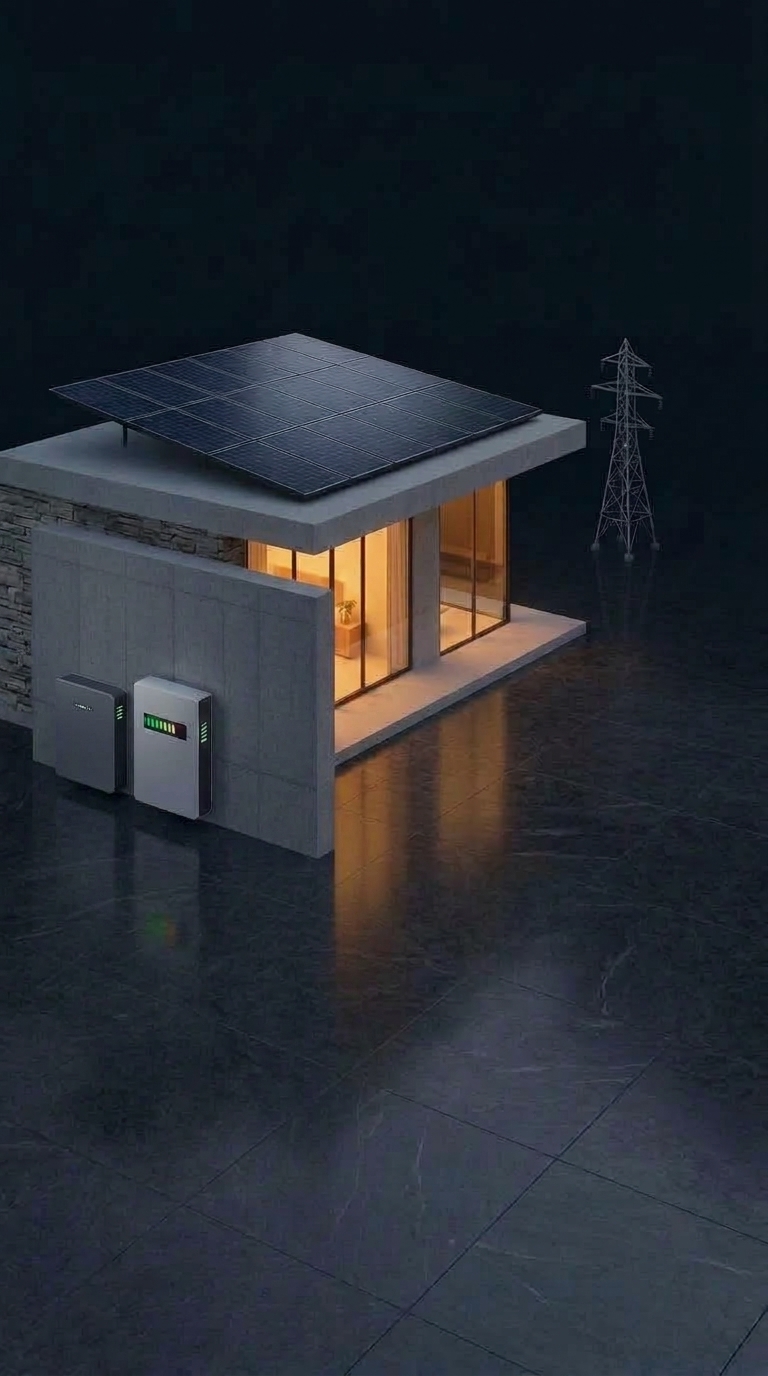
05:42 AM12:00 PM18:47 PMZzzSun is sleepingWakes up at dawn
☀️ Analyzing solar window & live forecast…
Sunrise
05:42
Daylight
--:--
Sunset
18:47
Updated --:-- · Inverex Veyron II 6000
📊 Annual Aggregate Summary
Full Year
Total Solar Generation
-- kWh
Total Inverter Load
-- kWh
Grid Import Consumed
-- kWh
Estimated Solar Savings
Rs --
Solar Coverage
-- %
Daily Average Solar
-- kWh
Peak Solar: -- WPeak Load: -- WPeak Temp: -- °C
⚡ Energy Flows
1 / 2
--kWh
Solar Generation
across full day
--
Solar → Battery
Battery not connected
--kWh
Grid Consumption
imported from utility
--
Grid → Battery
Battery not connected
--kWh
Inverter Load
dynamic conversion
--
Battery Cycle
Battery not connected
0.00kWh
Energy Exported
sent to grid
--kWh
Home Consumption
used by home
--
Battery Charged
Battery not connected
--
Battery Discharged
Battery not connected
Performance
--%
Solar Contribution
--%
Grid Dependency
Rs --
Est. Savings
--%
Solar Yield
Key Metrics
--
Peak Solar
--
Peak Load
--
Peak Temp
--
Trees Saved
📄
Connect Your Electricity Bill
Select your power provider (IESCO, LESCO, GEPCO, FESCO, MEPCO, PESCO, WAH CANTT, K-Electric, etc.) to auto-calculate dynamic NEPRA slabs, monitor the 200-unit protected threshold, and verify solar savings against your actual utility bill.
IESCO
--
Bill History
Loading bills…
⚡Live Current Cycle
Calculating cycle…
Rs --
Projected
-- unitsconsumed
Dynamic NEPRA slab tariffRunning
☀️Solar Saved you:
--% Offset
Rs --
Without solar: Rs --
⚡ All
🚨 Critical
☀️ Solar
🔌 Grid
🔋 Battery
🎛️ Inverter
Live
All systems normal
No active alerts right now
Recent
No events yet
Entries appear here as the system detects real changes
Showing this session · resets when the app restarts
Battery Detail✕
62%
State of Charge
51.2V
Pack Voltage
12.4A
Current
28°C
Temperature
142
Charge Cycles
Balancing
BMS Status
Per-Cell Detail
📅Select Date Range✕
✨Daily Solar Summary✕
Telemetry Aggregate at 00:00
Total Solar Generated
0.0 kWh
Estimated Savings: Rs 0 · Slab Rate Applied
Home Load
-- kWh
Grid Import
-- kWh
Peak Solar Power
-- W
Solar Coverage
-- %
💡 Great efficiency yesterday! Solar covered 88% of daytime appliances, keeping grid reliance minimal.
System alerts, grid telemetry & inverter audit logs
⚙️ App & Inverter Settings
Hardware bridge, inverter parameters & telemetry
✕
⚡ Telemetry & Data Source
Direct physical RS232 link via ESP32. Operates 24/7 on Home Wi-Fi (192.168.100.227) or Hotspot AP (192.168.4.1).
🎛️ Inverter Hardware
🔋 Battery Storage
☀️ Solar PV Array
💰 Electricity Billing & DISCO
🧠 AI & Layout
🔔 Notifications & Critical Alerts2026 Engine
Push Notifications
Device status bar & system alerts
Grid Outage & Restoration
Instant alert on WAPDA blackout or return
Inverter Alarms & Heatsink Temp
Warn if load > 90% or heatsink > 65°C
Daily Energy Digest
Midnight summary of solar generation & savings
⇅ Arrange Boxes
Reorder items. First 6 Energy Flow boxes appear on Page 1.
Monthly home consumption
⚡Inverter Controls
Inverex Veyron II (PID 30 · SN 96342407604621)
Output Source Priority (POP)
Choose which source powers the loads.
SUB
Solar First
SBU
Battery First
USB
Utility First
Charger Source Priority (PCP)
Choose how the battery is charged.
OSO
Only Solar
SNU
Solar & Utility
CSO
Solar First
AC Input Voltage Range (IVR)
Set acceptable utility input voltage range.
Appliance
90V – 280V
Wide Range
UPS
170V – 280V
Narrow Range
Solar Feed-to-Grid / Net Metering
Export excess solar energy to WAPDA green meter (WFE/Pd).
⚠️Single-Phase Meter Warning: If you have a normal (non-green) single-phase meter, keeping this ON will cause your meter to count exported solar as consumed units, increasing your bill! Keep this OFF unless green meter is active.
1-Click Safe Battery Presets
Instant calibrated limits for Pakistan battery banks.
During evening peak tariff hours, WAPDA charges elevated unit rates (~Rs. 65+/unit). Keeping charger priority set to Only Solar (OSO) ensures zero grid electricity is consumed to charge your batteries during peak hours.
Recommended Mode for Peak Tariff
Output: SUB (Solar First) · Charger: OSO (Only Solar)
⚠️
Confirm Inverter Write
Inverex Veyron II · Direct Cloud Bridge
You are about to transmit the following parameter updates directly to the inverter hardware:
Setting
Current
Target Value
Proceed with caution: Voltage thresholds directly determine battery charge and cut-off levels. Incorrect values can cause battery degradation or inverter faults.
My Devices✕
📡
Pair New Hardware Logger
1
Plug in Dongle
Insert the smart module into your inverter's RS-232 / RJ45 port. The green power LED lights up.
2
Connect to Logger Wi-Fi
On your phone's Wi-Fi settings, connect to:
HK_Solar_Bridge
Password: 12345678
3
Pair with Home Router
Open http://192.168.4.1 in your phone browser, choose your home Wi-Fi and save.
🛰️Inverter Setup Wizard
✕
Step 1 of 2 · Inverter Brand
Select Your Inverter
Tap your inverter brand to automatically load matching communication settings:
☀️
Inverex
Veyron / Aerox / Nitrox
⚡
Knox
Krypton / Xenon / Argon
👑
Crown Micro
Elego / Sparta
🌀
Deye / Solis
Hybrid & On-Grid
🔥
Fronus
Platinum / Infini
🔧
Other Brand
Universal Protocol
✓Selected: Inverex Veyron II 6kW (Protocol: Voltronic PI30)
Step 2 of 2 · Connection
Connect Inverter to App
How should the app reach your inverter?
📶
Scan Home Wi-Fi RouterAuto
Scan local Wi-Fi router to auto-detect inverter logger
☁️
Local Bridge / Cloud DirectDefault
Connect via server bridge or cloud telemetry service
Wi-Fi Router Network Scan
⚙️ Advanced IP & Power Ratings (Optional)
☁️Supabase Cloud Sync✕
Sync your inverter profiles, billing cycles, WAPDA slabs, and real-time telemetry across all devices with Supabase Cloud.
⚡ Instant Cloud Sign-InLive
🔒 Signing in saves your custom tariff slabs, solar capacity, and billing history safely to your private cloud profile.
👤Account & Cloud Sync✕
User
user@gmail.com
☁Supabase Cloud Active
Last Cloud Sync:Just now
Synced Inverter:Inverex Veyron II
📄Select Electricity Provider
Select your power company (DISCO) and enter your Reference Number or Consumer ID from your electricity bill.
Found at top of your bill (14 digits without spaces, or 10-12 digit Consumer ID).
Connecting to billing portal…
Downloading and verifying latest utility document
📅Completed Year Months (2026)
Confirm only the completed months of this year. The app audits whether your last 6 consecutive months remained under 200 units to automatically determine your Protected vs Unprotected tariff.